

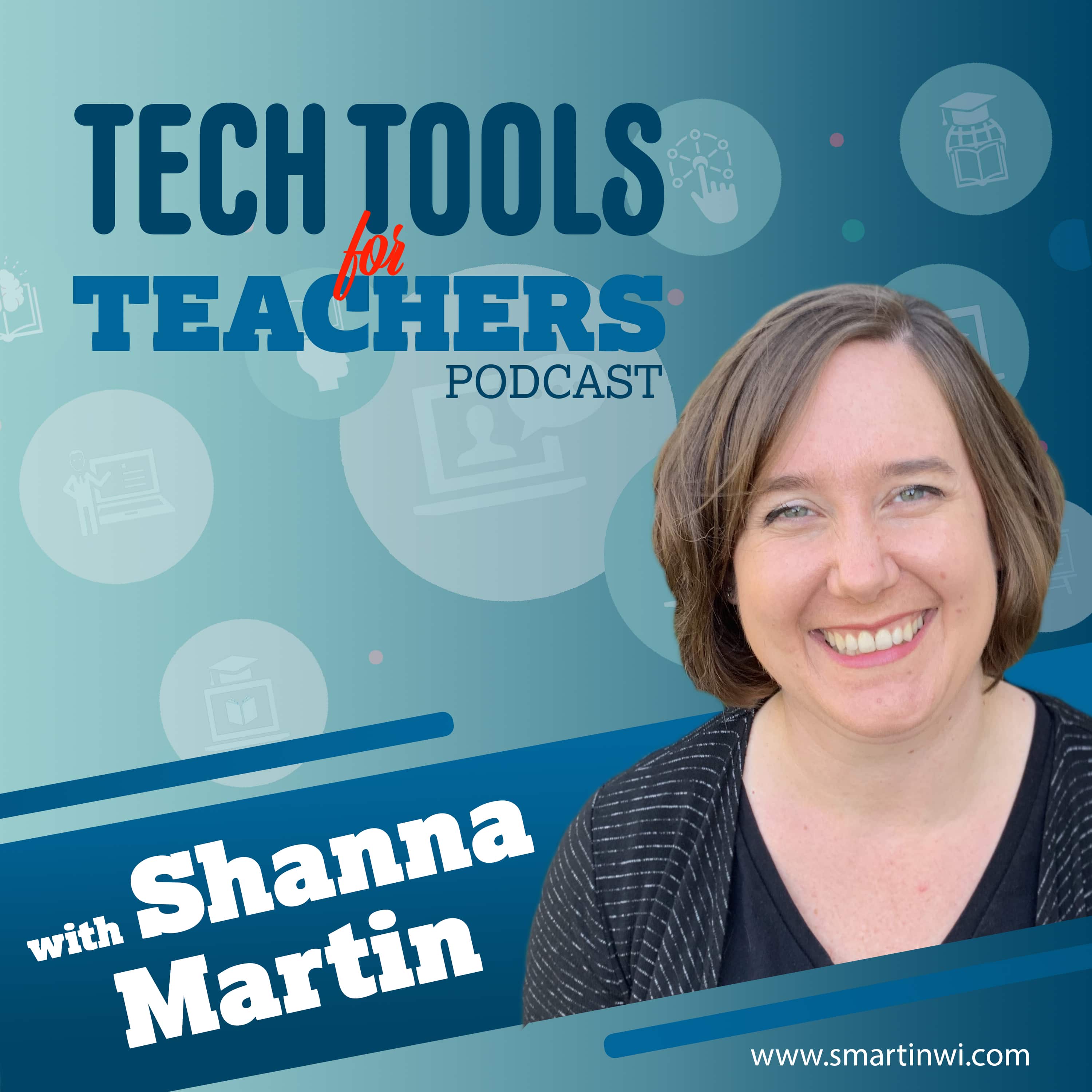
Tech Tools for Teachers
Shanna Martin
The Tech Tools for Teachers Podcast is hosted by Shanna Martin, an instructional and technology coach focused on helping you find and understand free educational technology tools that you can use in your classroom. Free resources are available at https://smartinwi.com (smartinwi.com).
This podcast uses the following third-party services for analysis:
Podcorn - https://podcorn.com/privacy
Podtrac - https://analytics.podtrac.com/privacy-policy-gdrp
This podcast uses the following third-party services for analysis:
Podcorn - https://podcorn.com/privacy
Podtrac - https://analytics.podtrac.com/privacy-policy-gdrp
Episodes
Mentioned books

May 8, 2023 • 14min
Templates and Text Generators
Happy Teacher Appreciation Week! The count down to the end of the year has begun and the weather is finally starting to warm up here in Wisconsin. Hurray! Recently I started hunting for a quick template to make student work look like it was put in the newspaper, and I ran across these 3 easy-to-use sites. So if you are looking for a way to keep you students engaged check these out!The Newspaper Clipping Generator - Create your own fun newspaperNewspaper generatorTemplate.netFind all of the tools we've discussed in the EdTech Directory: https://smartinwi.com/edtech-directory/ Get in touch: https://smartinwi.comhttps://www.twitter.com/smartinwihttps://www.threads.net/@smartinwihttps://www.facebook.com/smartinwitechtoolsforteacherpodcast@gmail.com©2018-2023 Snoring Dog Media, LLC. All rights reserved. This podcast uses the following third-party services for analysis: Podcorn - https://podcorn.com/privacyPodtrac - https://analytics.podtrac.com/privacy-policy-gdrp
May 1, 2023 • 10min
Using Edit.org to Create Eye-catching Visuals
It's May (!) and we all know how engagement is key this time of they year. We also know how time-consuming it can be to create visuals and posters to share information for projects. Luckily, we have another free and and easy tool available to simplify end of the year projects! This week we talk about Edit.org and how you can turn it into a fun and engaging tool for creation in your classroom. Your free graphic design online editor - EDIT.orgFind all of the tools we've discussed in the EdTech Directory: https://smartinwi.com/edtech-directory/ Get in touch: https://smartinwi.comhttps://www.twitter.com/smartinwihttps://www.threads.net/@smartinwihttps://www.facebook.com/smartinwitechtoolsforteacherpodcast@gmail.com©2018-2023 Snoring Dog Media, LLC. All rights reserved. This podcast uses the following third-party services for analysis: Podcorn - https://podcorn.com/privacyPodtrac - https://analytics.podtrac.com/privacy-policy-gdrp
Apr 24, 2023 • 14min
Podcasts for Kids
It's podcast week! Students can benefit from podcasts just like you! This week, we're excited to introduce you to two fantastic podcasts that are specifically designed for children: "Wow in the World" and "Book Club for Kids." These engaging audio adventures will not only entertain your students but also help them learn and grow.Book Club for Kids - podcastWow in the World - TinkercastFind all of the tools we've discussed in the EdTech Directory: https://smartinwi.com/edtech-directory/ Get in touch: https://smartinwi.comhttps://www.twitter.com/smartinwihttps://www.threads.net/@smartinwihttps://www.facebook.com/smartinwitechtoolsforteacherpodcast@gmail.com©2018-2023 Snoring Dog Media, LLC. All rights reserved. This podcast uses the following third-party services for analysis: Podcorn - https://podcorn.com/privacyPodtrac - https://analytics.podtrac.com/privacy-policy-gdrp
Apr 17, 2023 • 11min
Curipod Quick Chat
Welcome to the Tech Tools for Teachers Podcast with your host Shanna Martin. In this episode, we will be discussing a fantastic tool called Curipod that can help educators engage their students and enhance their learning experience. As the spring season is in full swing, it's important to keep our students on track and engaged. Curipod is a great platform that offers a range of features to do just that. Join us as we explore how Curipod can revolutionize the way you teach and keep your students motivated.Spark your students curiosity - CuripodFind all of the tools we've discussed in the EdTech Directory: https://smartinwi.com/edtech-directory/ Get in touch: https://smartinwi.comhttps://www.twitter.com/smartinwihttps://www.threads.net/@smartinwihttps://www.facebook.com/smartinwitechtoolsforteacherpodcast@gmail.com©2018-2023 Snoring Dog Media, LLC. All rights reserved. This podcast uses the following third-party services for analysis: Podcorn - https://podcorn.com/privacyPodtrac - https://analytics.podtrac.com/privacy-policy-gdrp
Apr 3, 2023 • 20min
Titanic Teaching Tools
Ahoy there, teachers! Are you ready to set sail on an exciting journey through history with your students? Then, look no further than the Titanic! One of the most famous maritime disasters in history, the story is a fantastic setting for research and inquiry. And now, with the help of two fantastic websites, you can bring this incredible story to life for your students!Encyclopedia TitanicaR.M.S Titanic - History and Significance | National Oceanic and Atmospheric AdministrationFind all of the tools we've discussed in the EdTech Directory: https://smartinwi.com/edtech-directory/ Get in touch: https://smartinwi.comhttps://www.twitter.com/smartinwihttps://www.threads.net/@smartinwihttps://www.facebook.com/smartinwitechtoolsforteacherpodcast@gmail.com©2018-2023 Snoring Dog Media, LLC. All rights reserved. This podcast uses the following third-party services for analysis: Podcorn - https://podcorn.com/privacyPodtrac - https://analytics.podtrac.com/privacy-policy-gdrp
Mar 27, 2023 • 13min
Wordplay Wonderland: Fun Learning Tools for Kids
Welcome to the Tech Tools for Teachers Podcast! On this week's episode, we're going to have some fun with words. Join us as we explore three easy-to-use sites that will get your students excited about language and literacy.First up, we have Crossword Labs, a site that allows you to easily create and customize crossword puzzles. Whether you want to reinforce vocabulary in a particular content area or simply challenge your students' spelling and word recognition skills, Crossword Labs makes it simple and fun.Next, we'll explore Magnetic Poetry, a digital version of the classic refrigerator magnets that allows students to experiment with language and create their own poetry. With a variety of word sets to choose from, including themed sets like "Nature" and "Love," Magnetic Poetry is a great way to encourage creativity and self-expression.Finally, we'll take a trip to the world of Princess Presto's Spectacular Spelling Play from PBS Kids. This site is perfect for younger learners, as it provides a fun and interactive way to practice spelling and phonics. With a variety of games and activities, including a spelling bee and a phonics matching game, Princess Presto's Spectacular Spelling Play is a great way to make learning fun.Whether you're a teacher looking for new ways to engage your students or a parent looking for educational activities to do at home, these three sites are sure to provide hours of fun and learning. Thanks for listening!Princess Presto's Spectacular Spelling PlayPlay Online – magneticpoetry.comFree, Online Crossword Puzzle Maker - Crossword LabsFind all of the tools we've discussed in the EdTech Directory: https://smartinwi.com/edtech-directory/ Get in touch: https://smartinwi.comhttps://www.twitter.com/smartinwihttps://www.threads.net/@smartinwihttps://www.facebook.com/smartinwitechtoolsforteacherpodcast@gmail.com©2018-2023 Snoring Dog Media, LLC. All rights reserved. This podcast uses the following third-party services for analysis: Podcorn - https://podcorn.com/privacyPodtrac - https://analytics.podtrac.com/privacy-policy-gdrp
Mar 13, 2023 • 15min
Code for Life & CodinGame
Are you ready to get your code on? Because it's CODING TIME, baby! Woo-hoo! I'm so excited to share some seriously cool coding sites with you today! On this episode, we explore Code for Life and CodinGame! These sites are an absolute blast to use with your students! Get ready to have some fun and engage your students in the magic of coding all day long! Let's do this! YEAH!Code for Life - Rapid RouterCodinGameFind all of the tools we've discussed in the EdTech Directory: https://smartinwi.com/edtech-directory/ Get in touch: https://smartinwi.comhttps://www.twitter.com/smartinwihttps://www.threads.net/@smartinwihttps://www.facebook.com/smartinwitechtoolsforteacherpodcast@gmail.com©2018-2023 Snoring Dog Media, LLC. All rights reserved. This podcast uses the following third-party services for analysis: Podcorn - https://podcorn.com/privacyPodtrac - https://analytics.podtrac.com/privacy-policy-gdrp
Mar 6, 2023 • 13min
Designing and Collaborating with Figma and FigJam
Welcome to Tech Tools for Teachers, the podcast that brings you free tools that you can use in your classroom! This week, we're exploring Figma and FigJam, two design platforms that can take your classroom discussions to the next level.Do you ever wonder if your students are truly engaged in deep conversations or just nodding along? Figma Design can help. This cloud-based design platform allows older students to learn graphic design, illustration, and software prototypes while working collaboratively on design projects. From logos to prototypes, there are all kinds of design tools available to make your classroom assignments more creative.But that's not all. FigJam is another platform that can be used in most classrooms. This brainstorming and diagramming space is perfect for planning discussions and assignments. It includes fun tools like emojis, Post-it type notes, and Washi tape that make it easy for students to express their ideas and brainstorm together. The best part? Several people can work on the same project simultaneously, making it ideal for group assignments.So join us this week as we explore Figma Design and FigJam, two innovative tools that can help your students express their ideas and engage in deep conversations. With endless possibilities, you won't want to miss it!Figma DesignFigJamFind all of the tools we've discussed in the EdTech Directory: https://smartinwi.com/edtech-directory/ Get in touch: https://smartinwi.comhttps://www.twitter.com/smartinwihttps://www.threads.net/@smartinwihttps://www.facebook.com/smartinwitechtoolsforteacherpodcast@gmail.com©2018-2023 Snoring Dog Media, LLC. All rights reserved. This podcast uses the following third-party services for analysis: Podcorn - https://podcorn.com/privacyPodtrac - https://analytics.podtrac.com/privacy-policy-gdrp
Feb 27, 2023 • 15min
Successful Argument Writing
In this week's episode, we explore two tech tools that can help students practice their decision-making and argument-writing skills. The first tool is Quandary, a game-based website that challenges students to make decisions for a future community based on information presented in a graphic novel format. Students will need to use fact versus opinion to make the best decisions for the community. The second tool is ProCon.org, a nonpartisan site that presents both sides of various topics. Students can choose a topic of interest and explore the pros and cons as presented by researchers and professionals in the field. This site is recommended for older students due to the range of topics available. If you're looking for ways to help your students develop their decision-making and argument-writing skills, these tech tools are a great place to start.ProCon.org - Pros and Cons of 100+ TopicsQuandaryFind all of the tools we've discussed in the EdTech Directory: https://smartinwi.com/edtech-directory/ Get in touch: https://smartinwi.comhttps://www.twitter.com/smartinwihttps://www.threads.net/@smartinwihttps://www.facebook.com/smartinwitechtoolsforteacherpodcast@gmail.com©2018-2023 Snoring Dog Media, LLC. All rights reserved. This podcast uses the following third-party services for analysis: Podcorn - https://podcorn.com/privacyPodtrac - https://analytics.podtrac.com/privacy-policy-gdrp
Feb 20, 2023 • 14min
Knight Lab's Storyline JS & Timeline JS
In this episode of Tech Tools for Teachers, Knight Lab presents two helpful websites for students to share their data in an interactive and visual way. The first website, Storyline JS, enables students to upload their data and explain the story behind it. The visual representation of the data displays the growth and decline of the data, allowing students to explain the reasoning behind each point. This tool is useful for student reports and presentations. The second website, Timeline JS, allows students to create timelines with images and information. This tool is great for a variety of classes and is a great way to demonstrate learning. Timeline JSStoryline JSFind all of the tools we've discussed in the EdTech Directory: https://smartinwi.com/edtech-directory/ Get in touch: https://smartinwi.comhttps://www.twitter.com/smartinwihttps://www.threads.net/@smartinwihttps://www.facebook.com/smartinwitechtoolsforteacherpodcast@gmail.com©2018-2023 Snoring Dog Media, LLC. All rights reserved. This podcast uses the following third-party services for analysis: Podcorn - https://podcorn.com/privacyPodtrac - https://analytics.podtrac.com/privacy-policy-gdrp

