

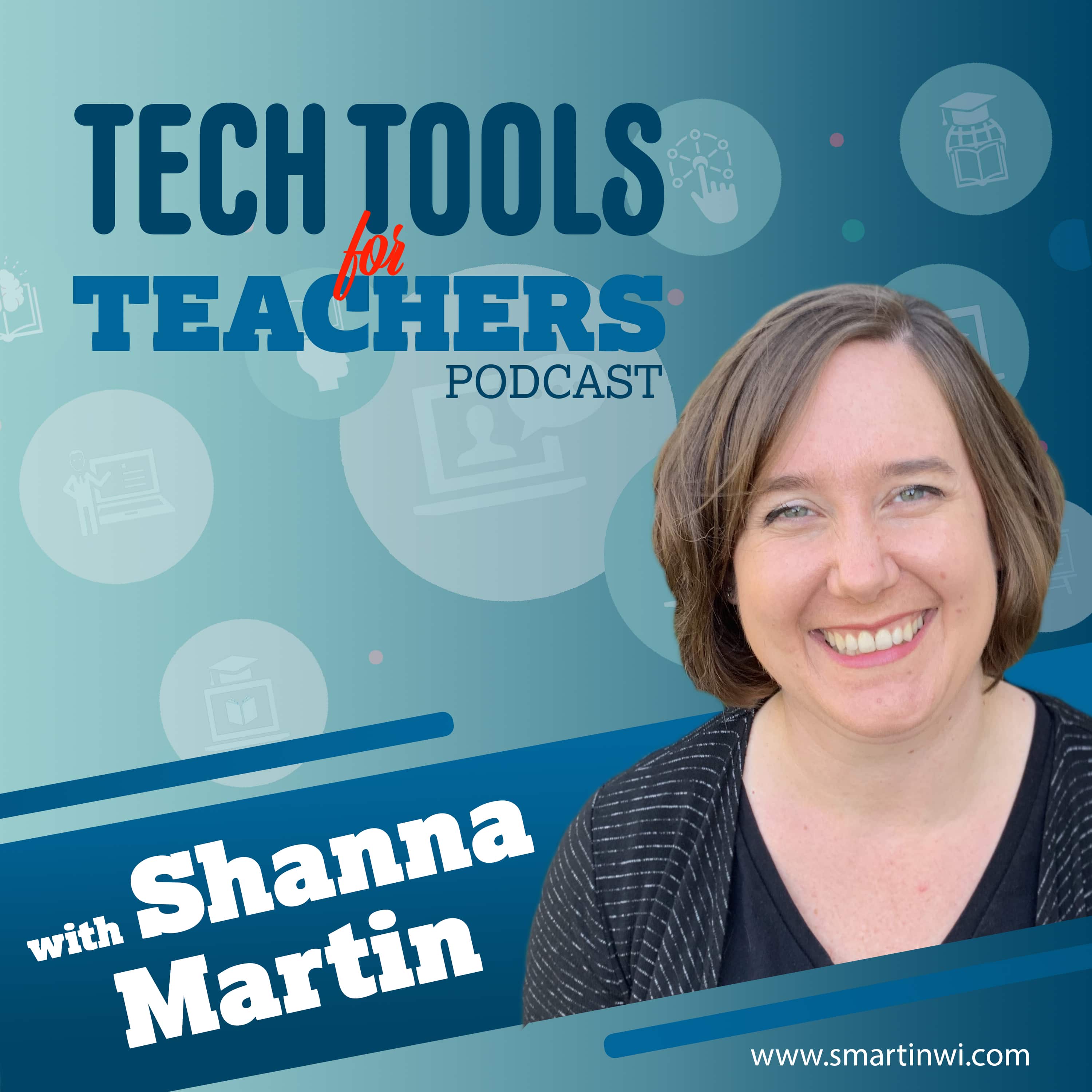
Tech Tools for Teachers
Shanna Martin
The Tech Tools for Teachers Podcast is hosted by Shanna Martin, an instructional and technology coach focused on helping you find and understand free educational technology tools that you can use in your classroom. Free resources are available at https://smartinwi.com (smartinwi.com).
This podcast uses the following third-party services for analysis:
Podcorn - https://podcorn.com/privacy
Podtrac - https://analytics.podtrac.com/privacy-policy-gdrp
This podcast uses the following third-party services for analysis:
Podcorn - https://podcorn.com/privacy
Podtrac - https://analytics.podtrac.com/privacy-policy-gdrp
Episodes
Mentioned books

Jan 13, 2025 • 11min
Making Language Learning Accessible with Colorin Colorado
This week, Shanna and Fuzz explore the invaluable resources available on Colorin Colorado, a website dedicated to supporting English learners in the classroom. They highlight the site's wealth of tools designed for teachers, parents, and administrators, making it easier to meet the diverse needs of students learning English. Listeners will learn about key features such as grade-level support, bilingual resources for families, and a comprehensive resource library filled with books, articles, and videos. Shanna emphasizes the importance of these tools for fostering an inclusive learning environment, especially for new teachers or those welcoming English learners into their classrooms. Tune in for practical insights and tips on effectively utilizing Colorin Colorado to enhance student learning and engagement.Takeaways: Colorin Colorado is an excellent resource for teachers supporting English learners in the classroom. The website offers invaluable parent resources available in both English and Spanish to assist families. Teachers can access a robust library of professional development materials and resources for various audiences. The site provides tools to help teachers sort resources by audience, enhancing usability and accessibility. New teachers can benefit from guides on teaching English learners and classroom vocabulary in Spanish. Colorin Colorado features articles, videos, and tips for effectively supporting English language learners. Links referenced in this episode:colorincolorado.comsmartinwi.combuymeacoffee.com/smartinwiThis podcast uses the following third-party services for analysis: Podcorn - https://podcorn.com/privacyPodtrac - https://analytics.podtrac.com/privacy-policy-gdrp
Jan 6, 2025 • 22min
EPISODE 200! Tech Tools for Teachers Celebrates a Milestone! 🎉
What an incredible journey it's been! We are so excited to celebrate our 200th episode of Tech Tools for Teachers by taking a nostalgic trip back to where it all started. Six years ago, our very first episode (at the kitchen counter) featured two amazing educational tools - Padlet and Google Keep. Let's revisit these awesome tools and see why they're still classroom favorites!To our amazing community of educators and ed-tech enthusiasts - THANK YOU! Your support, feedback, and enthusiasm have made these 200 episodes possible. We couldn't have reached this milestone without our incredible listeners who share our passion for bringing innovative technology into education.https://padlet.comhttps://keep.google.comThis podcast uses the following third-party services for analysis: Podcorn - https://podcorn.com/privacyPodtrac - https://analytics.podtrac.com/privacy-policy-gdrp
Dec 16, 2024 • 11min
Elfster Makes Holiday Gifting Fun and Easy!
Shanna and Fuzz dive into the fun and easy world of gift exchanges with a tool called Elfster. This platform streamlines the process of organizing gift swaps, making it a breeze to set up events and create wish lists. Whether it’s for the holidays, birthdays, or any special occasion, Elfster eliminates the stress of coordination by allowing participants to easily share their gift preferences. Shanna highlights how it can be a game-changer for teachers, helping them manage gift exchanges without adding to their already packed to-do lists. They also discuss the flexibility of the platform, which can be used for various types of exchanges beyond just holiday gifting, making it a versatile tool for anyone looking to celebrate with friends, family, or colleagues.Takeaways: Elfster is a user-friendly platform that simplifies organizing gift exchanges for any occasion. The tool allows participants to create wish lists, making it easier for gift givers. It's free to use and takes only minutes to set up a gift exchange. Elfster helps eliminate the stress of coordinating gift exchanges among friends or colleagues. You can use Elfster beyond the holidays for events like Teacher Appreciation Week or birthdays. Participants receive notifications when their gift recipients update their wish lists in real-time. Links referenced in this episode:elfster.combuymeacoffee.com/smartinwismartinwi.comThis podcast uses the following third-party services for analysis: Podcorn - https://podcorn.com/privacyPodtrac - https://analytics.podtrac.com/privacy-policy-gdrp
Dec 9, 2024 • 18min
Corgi and Hour of Code!
Hey, educators! Episode 199 has a few fun tools that will help supercharge your classroom toolkit! This week, we are highlighting Corgi! It does have cute pup for a logo, but really it is here to help you co-organize your learning. Developed by CAST, the Universal Design for Learning experts, Corgi is about to become your new best friend in educational technology. Corgi is an innovative tool from CAST designed to support Universal Design for Learning (UDL) in the classroom.Takeaways: The Corgi tool from CAST is designed to support Universal Design for Learning (UDL) principles. Corgi helps educators create personalized graphic organizers to facilitate student learning effectively. Hour of Code is celebrated annually to promote computer science education and engagement in schools. Teachers can utilize Corgi's features to provide accessibility options for diverse student needs. Interactive guides within Corgi allow students to engage with content through various formats. The podcast emphasizes the importance of integrating technology tools like Corgi into lesson plans. Links referenced in this episode:corgi2.cast.orghour of codeThis podcast uses the following third-party services for analysis: Podcorn - https://podcorn.com/privacyPodtrac - https://analytics.podtrac.com/privacy-policy-gdrp
Nov 25, 2024 • 16min
Unlock Your Creativity with Musical Canvas and GenType!
Get ready to transform your classroom into a hub of creative expression! In our latest episode of Tech Tools for Teachers, we chat about two fun applications that will be engaging for you and your students - Musical Canvas and GenType. #EdTech #TeachingTools #CreativeEducation #DigitalLearning #StudentEngagementLast Takeaways: Musical Canvas allows students to create digital art that generates music based on their creations. GenType provides a unique way for students to design custom fonts for their projects. Both tools encourage creativity and can be integrated into various classroom activities and presentations. Using Musical Canvas and GenType can enhance student engagement by making learning more interactive and fun. These tools help students present information in creative ways, improving their understanding and retention. Incorporating AI-based tools like these into lessons can inspire students to explore new forms of expression. Links referenced in this episode:labs.google/gentypeartsandculture.google.comThis podcast uses the following third-party services for analysis: Podcorn - https://podcorn.com/privacyPodtrac - https://analytics.podtrac.com/privacy-policy-gdrp
Nov 18, 2024 • 13min
Using Perplexity AI to Boost Student Inquiry
Hey Everyone! Ready to supercharge your students' research skills? Let's talk about Perplexity AI, the research-changing tech tool that is super engaging and easy to use ! 🌟 Perplexity AI helps students by turning information-gathering into an engaging, interactive experience and is a great way to practice writing good questions.Takeaways: Perplexity AI is an engaging tool that aids students in developing effective questioning skills. Using Perplexity, students can access organized resources, articles, videos, and images for research. Teachers can incorporate Perplexity AI in lessons to promote media literacy among students. The tool provides real-time information and cites all sources used for its answers. Perplexity AI helps students navigate overwhelming information by breaking it down clearly. With a free version allowing three searches a day, it's accessible for classroom use. Links referenced in this episode:perplexity.aismartinwi.combuymeacoffee.com/smartinwiThis podcast uses the following third-party services for analysis: Podcorn - https://podcorn.com/privacyPodtrac - https://analytics.podtrac.com/privacy-policy-gdrp
Nov 4, 2024 • 17min
Clusive: Elevating Reading Accessibility
This week, we dive into Clusive, an innovative reading tool designed with Universal Design for Learning (UDL) principles in mind. Clusive is an inclusive platform that provides personalized reading resources tailored to the needs of all students, making it easier for educators to support diverse learners in their classrooms. The tool offers a variety of settings for text size, font styles, and background colors, ensuring accessibility for students with different learning needs. Additionally, Clusive allows teachers to track student progress and engagement while providing a wealth of reading materials that can be leveled according to individual abilities. Join us as we explore how Clusive can transform reading experiences for students and streamline lesson planning for teachers.Elevate Reading Accessibility with Clusive: Your All-in-One UDL Reading PlatformTakeaways: The Clusive platform provides a wealth of resources designed to meet diverse student needs. Teachers can easily track student progress and engagement through the Clusive dashboard features. Clusive allows for customizable reading experiences by adjusting text size, font, and background color. The tool supports inclusivity by offering various reading levels and text adaptations. Students can reflect on their reading experiences through emotional responses after each article. Clusive is free to use, making it accessible for teachers and students alike. Links referenced in this episode:clusive.cast.orgThis podcast uses the following third-party services for analysis: Podcorn - https://podcorn.com/privacyPodtrac - https://analytics.podtrac.com/privacy-policy-gdrp
Oct 28, 2024 • 17min
Art Made Easy: How Kleki and AutoDraw Can Enhance Student Creativity
This week, we explore digital art tools that can enhance creativity and engagement in the classroom, focusing on Kleki and AutoDraw. Kleki is a user-friendly drawing site that allows students to easily create and download their artwork without the need for sign-ins, making it accessible for various age groups. It provides intuitive tools for layering, coloring, and shaping, which can be beneficial for teaching digital art principles. On the other hand, AutoDraw combines AI technology with artistic creation, helping students who may struggle with drawing by offering suggestions and quick options for their designs. Join us as we discuss how these tools can be integrated into lessons, encourage artistic expression, and support learning across subjects.Takeaways: Kleki is a free digital art tool that requires no sign-in, making it easy for students to use immediately. Autodraw provides a unique AI feature that helps students create art quickly and easily, reducing frustration. Both Kleki and Autodraw offer intuitive interfaces that are suitable for students in fourth grade and above. Kleki allows students to download their artwork in various formats, including PNG and PSD files. Autodraw can aid students who struggle with drawing, giving them confidence to express their creativity. Using digital art tools in the classroom can enhance students' engagement and facilitate learning across subjects. Links referenced in this episode:kleki.comautodraw.comsmartinwi.combuymeacoffee.com/smartinwiThis podcast uses the following third-party services for analysis: Podcorn - https://podcorn.com/privacyPodtrac - https://analytics.podtrac.com/privacy-policy-gdrp
Oct 21, 2024 • 12min
Wild About Learning: The National Wildlife Federation
Explore the National Wildlife Federation website and discover a wealth of resources that can be seamlessly integrated into your classroom. This episode highlights the educational tools available on the site, catering to students of all ages and making research engaging and accessible. Shanna Martin shares her top picks, including a wildlife guide and resources for families, ensuring that both teachers and students can benefit from these materials. The conversation also touches on the ease of navigation and the variety of topics covered, from endangered species to climate change. Join us as we delve into how these tools can enhance learning and foster a love for wildlife among students.Takeaways: The National Wildlife Federation website offers a wealth of educational resources for teachers. Students can easily navigate the wildlife guide to find information about endangered species. The site provides family-friendly resources that can be shared in classroom newsletters. Using the National Wildlife Federation can enhance research projects about conservation topics. Ranger Rick’s digital content offers engaging ways for kids to learn about wildlife. The website features a variety of tools for educators to connect nature and learning. Links referenced in this episode:nwf.orgThis podcast uses the following third-party services for analysis: Podcorn - https://podcorn.com/privacyPodtrac - https://analytics.podtrac.com/privacy-policy-gdrp
Oct 7, 2024 • 12min
Timeline Magic: 5 Reasons to Love Time Graphics in the Classroom
Time Graphics is a powerful timeline generator that allows students to creatively share their knowledge across various subjects, particularly social studies. This tool stands out for its ease of navigation, making it accessible for both teachers and students alike. Listeners will discover five key features that make Time Graphics a valuable addition to any classroom: the intuitive interface, a wide array of tools for building timelines, the ability to upload personal images and information, multiple download formats, and straightforward sharing options. Whether students are working on personal narratives, historical events, or scientific discoveries, Time Graphics offers the flexibility to enhance their projects visually and interactively. Tune in to learn how this tool can streamline timeline creation and enrich classroom presentations.Takeaways: Time Graphics is an intuitive timeline generator that simplifies creating visual aids for classrooms. The tool allows users to upload personal images and information for customized timelines. Teachers can download timelines in multiple formats, making them versatile for different uses. This timeline tool is particularly useful for social studies projects and personal narratives. Time Graphics integrates seamlessly with Google Drive, enhancing its functionality for students. Creating timelines collaboratively in class can visually aid students' understanding of chronological order. Links referenced in this episode:time.graphicssmartandwi.combuymeacoffee.com/smartnwiThis podcast uses the following third-party services for analysis: Podcorn - https://podcorn.com/privacyPodtrac - https://analytics.podtrac.com/privacy-policy-gdrp

