

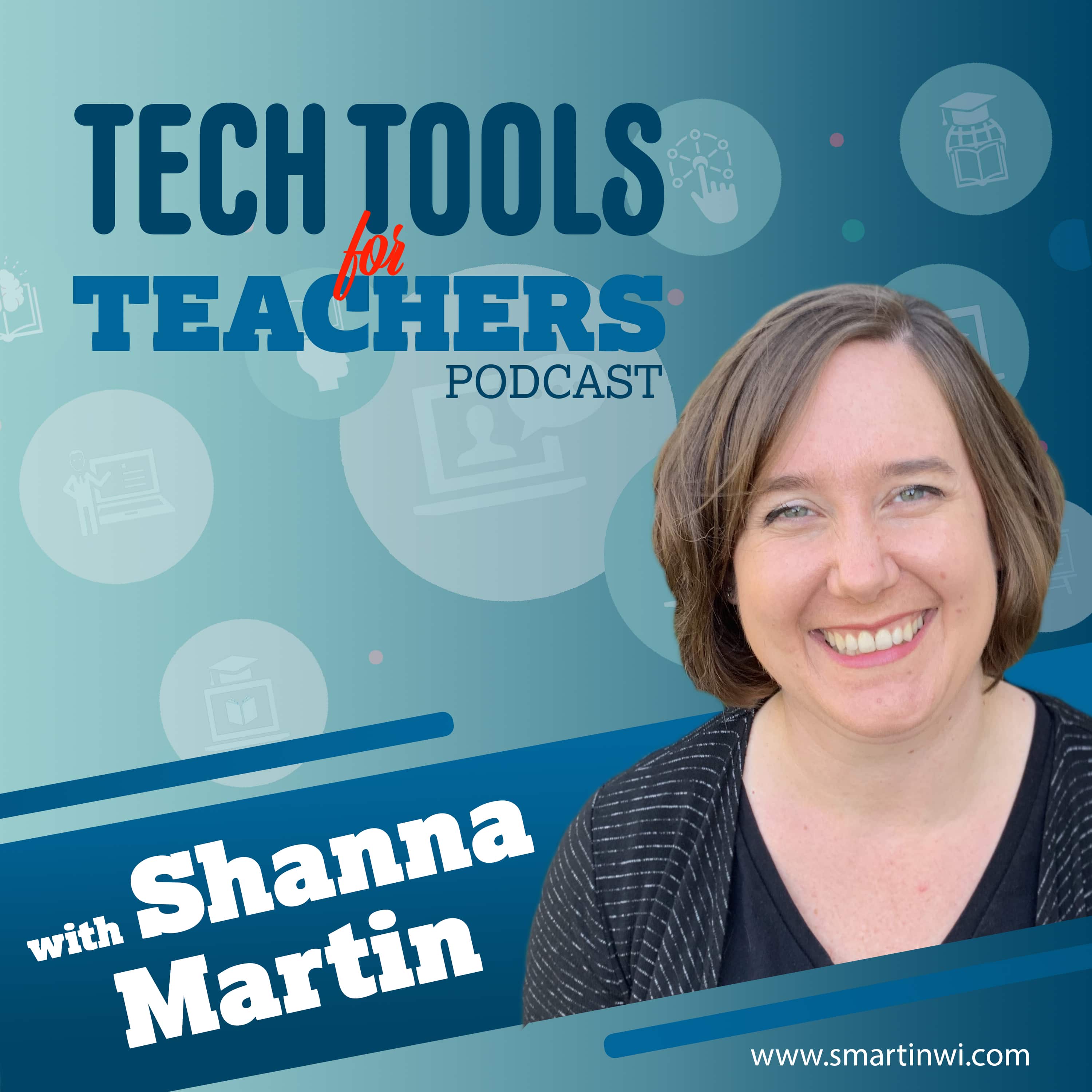
Tech Tools for Teachers
Shanna Martin
The Tech Tools for Teachers Podcast is hosted by Shanna Martin, an instructional and technology coach focused on helping you find and understand free educational technology tools that you can use in your classroom. Free resources are available at https://smartinwi.com (smartinwi.com).
This podcast uses the following third-party services for analysis:
Podcorn - https://podcorn.com/privacy
Podtrac - https://analytics.podtrac.com/privacy-policy-gdrp
This podcast uses the following third-party services for analysis:
Podcorn - https://podcorn.com/privacy
Podtrac - https://analytics.podtrac.com/privacy-policy-gdrp
Episodes
Mentioned books

Feb 14, 2022 • 11min
Teaching with Wordle!
Everybody loves Wordle! On this episode, we explore the original Wordle and how you can use it in your classroom. We also explore Custom Wordle and a SlidesMania version of Wordle that will be a big hit in your classroom and on a SMART Board. View the post: https://smartinwi.com/teaching-with-wordle/Tech Discussed in This EpisodeWordleCustom WordleSlidesManiaFind all of the tools we've discussed in the EdTech Directory: https://smartinwi.com/edtech-directory/ Get in touch: https://smartinwi.comhttps://www.twitter.com/smartinwihttps://www.threads.net/@smartinwihttps://www.facebook.com/smartinwitechtoolsforteacherpodcast@gmail.com©2018-2023 Snoring Dog Media, LLC. All rights reserved. This podcast uses the following third-party services for analysis: Podcorn - https://podcorn.com/privacyPodtrac - https://analytics.podtrac.com/privacy-policy-gdrp
Feb 7, 2022 • 17min
How to Use Flipgrid in Your Classroom
Flipgrid is a fan favorite. Both with teachers, and with students. This week, we dive back in and re-explore Flipgrid. They've made a ton of updates since the first few times we reviewed the program on Episode 22 and Episode 48. When you use Flipgrid, you'll see it's a lot like some of the social apps that your students are used to using like TikTok and Instagram Stories—only this is made for the classroom and showing off what they've learned. You as the teacher have full control over how long and what kind of content they're creating. Listen to the full episode to hear all of the great ways you can use this cool (and totally free) tool from Microsoft. You can also find a full walkthrough video on my website at https://smartinwi.com/how-to-use-flip-grid-in-your-classroom/. Find all of the tools we've discussed in the EdTech Directory: https://smartinwi.com/edtech-directory/ Get in touch: https://smartinwi.comhttps://www.twitter.com/smartinwihttps://www.threads.net/@smartinwihttps://www.facebook.com/smartinwitechtoolsforteacherpodcast@gmail.com©2018-2023 Snoring Dog Media, LLC. All rights reserved. This podcast uses the following third-party services for analysis: Podcorn - https://podcorn.com/privacyPodtrac - https://analytics.podtrac.com/privacy-policy-gdrp

Jan 31, 2022 • 20min
Civics & Citizenship
Are you looking for ways to help your students learn about civics and citizenship?Check out our latest episode of the Tech Tools for Teachers podcast, where we discuss two great websites that can help you do just that. Kid Citizen and Learning for Justice are both packed with resources that will engage your students and help them learn about their community and the world around them.These sites are perfect for any classroom, not just social studies. They cover a range of topics, from current events to American history, so your students can learn about anything they’re interested in. Plus, they’re updated regularly with new content so your lessons never get stale, and each of the sites count as primary sources for your students' projects.View the post: https://smartinwi.com/civics-and-citizenship/Tech Discussed in This Episode• KidCitizen - https://www.kidcitizen.net/• Learning for Justice (formerly Teaching Tolerance) - https://learningforjustice.org/Find all of the tools we've discussed in the EdTech Directory: https://smartinwi.com/edtech-directory/Get in touch: https://smartinwi.comhttps://www.twitter.com/smartinwihttps://www.facebook.com/smartinwitechtoolsforteacherpodcast@gmail.com©2021 Snoring Dog Media, LLC. All rights reserved.This podcast uses the following third-party services for analysis: Podcorn - https://podcorn.com/privacyPodtrac - https://analytics.podtrac.com/privacy-policy-gdrp
Jan 24, 2022 • 15min
How to Use Edublogs in Your Classroom
This week's tech tool can be used in any content area! Edublogs is a free blogging tool for educators and their students. There are so many ways you can use this tool—from keeping your families and community up-to-date on what's going on in your classroom to providing a resource for students to create portfolios, track progress on a project, lab reports or newsletters. If you haven't already, check it out! View the post: https://smartinwi.com/using-edublogs/Tech Discussed in This Episode• Edublogs (https://edublogs.org)Find all of the tools we've discussed in the EdTech Directory: https://smartinwi.com/edtech-directory/Get in touch: https://smartinwi.comhttps://www.twitter.com/smartinwihttps://www.facebook.com/smartinwitechtoolsforteacherpodcast@gmail.com©2021 Snoring Dog Media, LLC. All rights reserved.This podcast uses the following third-party services for analysis: Podcorn - https://podcorn.com/privacyPodtrac - https://analytics.podtrac.com/privacy-policy-gdrp

Jan 17, 2022 • 15min
Supporting Science
This episode is packed with science (and a few other elements 😭)! As we move into the second half of the school year, I know our high school teachers really start to prep for AP exams and we are all looking for some new resources to change things up! We have help for both this week!View the post: https://smartinwi.com/supporting-science/Tech Discussed in This Episode• Bozeman Science - http://www.bozemanscience.com/• Paul Andersen - https://twitter.com/paulandersen• The Periodic Table of Comic Books - http://www.uky.edu/Projects/Chemcomics/index.htmlFind all of the tools we've discussed in the EdTech Directory: https://smartinwi.com/edtech-directory/Get in touch: https://smartinwi.comhttps://www.twitter.com/smartinwihttps://www.facebook.com/smartinwitechtoolsforteacherpodcast@gmail.com©2021 Snoring Dog Media, LLC. All rights reserved.This podcast uses the following third-party services for analysis: Podcorn - https://podcorn.com/privacyPodtrac - https://analytics.podtrac.com/privacy-policy-gdrp
Jan 10, 2022 • 14min
Exploring Edsitement
It's 2022 and time to try something new! There are so many *edsiting* things about this week's site! Edsitement is a huge collection to help support humanities in education. If you are looking for new resources to support content that you teach or are looking to explore interesting topics this site has many resources to help. Edsitement features a large collection of lesson plans organized by grade level and topic. The topics go from all kinds of art, history, science, literature which will be perfect for your next exploration into the humanities with students in any age group.View the post: https://smartinwi.com/exploring-edsitement/Tech Discussed in This Episode• Edsitement - https://edsitement.neh.gov/Find all of the tools we've discussed in the EdTech Directory: https://smartinwi.com/edtech-directory/Get in touch: https://smartinwi.comhttps://www.twitter.com/smartinwihttps://www.facebook.com/smartinwitechtoolsforteacherpodcast@gmail.com©2021 Snoring Dog Media, LLC. All rights reserved.This podcast uses the following third-party services for analysis: Podcorn - https://podcorn.com/privacyPodtrac - https://analytics.podtrac.com/privacy-policy-gdrp

Dec 20, 2021 • 11min
What is Jeopardy Labs?
Are you looking for a fun way to engage your students? Jeopardy Labs is the perfect tool! You can create your own Jeopardy game boards and use them with your students. It's easy to make one of these boards—all you need are some answers (and questions) about any topic! Whether it's math, history, science—you name it there are plenty of topics that work great with this well-known game.View the post: https://smartinwi.com/what-is-jeopardy-labs/Tech Discussed in This Episode• Jeopardy Labs (https://jeopardylabs.com/)Find all of the tools we've discussed in the EdTech Directory: https://smartinwi.com/edtech-directory/Get in touch: https://smartinwi.comhttps://www.twitter.com/smartinwihttps://www.facebook.com/smartinwitechtoolsforteacherpodcast@gmail.com©2021 Snoring Dog Media, LLC. All rights reserved.This podcast uses the following third-party services for analysis: Podcorn - https://podcorn.com/privacyPodtrac - https://analytics.podtrac.com/privacy-policy-gdrp

Dec 13, 2021 • 16min
Tynker: A Coding Tool for Students
This week, we're talking Tynker! If you are looking to for a fun way for your kiddos to working on their problem-solving skills, have them write some code! Tynker is a great way to introduce coding to your students in a fun and easy way. Students get the opportunity to play games, create their own games, and more!View the post: https://smartinwi.com/tynker-a-coding-tool-for-students/Tech Discussed in This Episode• Tynker - https://tynker.comFind all of the tools we've discussed in the EdTech Directory: https://smartinwi.com/edtech-directory/Get in touch: https://smartinwi.comhttps://www.twitter.com/smartinwihttps://www.facebook.com/smartinwitechtoolsforteacherpodcast@gmail.com©2021 Snoring Dog Media, LLC. All rights reserved.This podcast uses the following third-party services for analysis: Podcorn - https://podcorn.com/privacyPodtrac - https://analytics.podtrac.com/privacy-policy-gdrp
Dec 6, 2021 • 16min
Wow Science: An Awesome Collection of Science Sites
Have you ever wondered where to find great science learning materials for students aged 5 to 11? Well, look no further. On this week's episode, I have the perfect site for you! Wow Science is filled with so much information that can be used at a variety of grade levels. This website collects and evaluates resources from all over the web and organizes them in one place for easy access by teachers and students alike. The best part is, most of them are FREE!!View the post: https://smartinwi.com/wow-science/Tech Discussed in This Episode• Wow ScienceFind all of the tools we've discussed in the EdTech Directory: https://smartinwi.com/edtech-directory/Get in touch: https://smartinwi.comhttps://www.twitter.com/smartinwihttps://www.facebook.com/smartinwitechtoolsforteacherpodcast@gmail.com©2021 Snoring Dog Media, LLC. All rights reserved.This podcast uses the following third-party services for analysis: Podcorn - https://podcorn.com/privacyPodtrac - https://analytics.podtrac.com/privacy-policy-gdrp

Nov 29, 2021 • 19min
Fabricius: The Fun Way to Teach Kids Hieroglyphics
Talking about hieroglyphics is one thing, but really understanding them? That's much more complicated. But Google has a new project that might just help kids understand this ancient form of communication: Fabricius! In this episode of the Tech Tools for Teachers podcast, we'll learn all about how Fabricius works and what it can teach us - as well as share some fun ways to use it in our classrooms.View the post: https://smartinwi.com/google-fabricius/Tech Discussed in This Episode• Fabricius• Mr. Donn's Site for Kids & TeachersFind all of the tools we've discussed in the EdTech Directory: https://smartinwi.com/edtech-directory/Get in touch: https://smartinwi.comhttps://www.twitter.com/smartinwihttps://www.facebook.com/smartinwitechtoolsforteacherpodcast@gmail.com©2021 Snoring Dog Media, LLC. All rights reserved.This podcast uses the following third-party services for analysis: Podcorn - https://podcorn.com/privacyPodtrac - https://analytics.podtrac.com/privacy-policy-gdrp

