

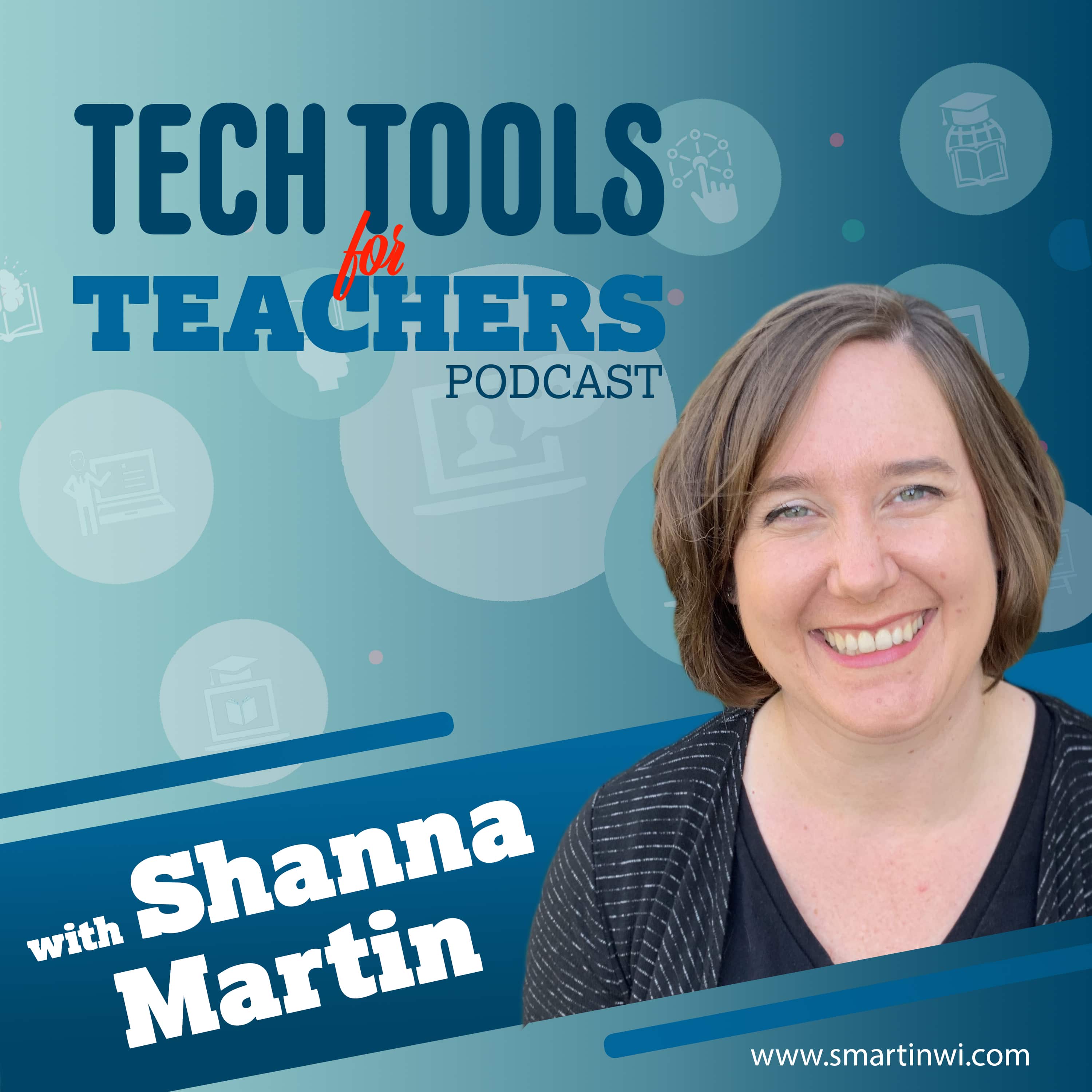
Tech Tools for Teachers
Shanna Martin
The Tech Tools for Teachers Podcast is hosted by Shanna Martin, an instructional and technology coach focused on helping you find and understand free educational technology tools that you can use in your classroom. Free resources are available at https://smartinwi.com (smartinwi.com).
This podcast uses the following third-party services for analysis:
Podcorn - https://podcorn.com/privacy
Podtrac - https://analytics.podtrac.com/privacy-policy-gdrp
This podcast uses the following third-party services for analysis:
Podcorn - https://podcorn.com/privacy
Podtrac - https://analytics.podtrac.com/privacy-policy-gdrp
Episodes
Mentioned books

Nov 14, 2022 • 13min
Sites that Make Reading Fun!
It's reading time! Depending on the grade level and content that you teach, reading looks very different. So, this week I have two reading tools that have very different purposes. On this episode, we explore Teach Your Monster and ReadWorks. ReadWorksTeach Your MonsterFind all of the tools we've discussed in the EdTech Directory: https://smartinwi.com/edtech-directory/ Get in touch: https://smartinwi.comhttps://www.twitter.com/smartinwihttps://www.threads.net/@smartinwihttps://www.facebook.com/smartinwitechtoolsforteacherpodcast@gmail.com©2018-2023 Snoring Dog Media, LLC. All rights reserved. This podcast uses the following third-party services for analysis: Podcorn - https://podcorn.com/privacyPodtrac - https://analytics.podtrac.com/privacy-policy-gdrp
Nov 7, 2022 • 16min
Creating Fancy Forms with Typeform & Jotform
Now that we are back in the swing of things let's talk about student projects. 😍 A lot of the teachers I work with love to build projects into their lessons and are looking for quick ways to have students share information. We love to have our students be creative but also need them to not spend tooooo much time with their project. The two tools we are chatting about this week are great for professional looking projects that have a quick learning curve. They can be used in any content area and can be shared easily with the teacher. So come with us as we explore Typeform and Jotform! TypeformJotformFind all of the tools we've discussed in the EdTech Directory: https://smartinwi.com/edtech-directory/ Get in touch: https://smartinwi.comhttps://www.twitter.com/smartinwihttps://www.threads.net/@smartinwihttps://www.facebook.com/smartinwitechtoolsforteacherpodcast@gmail.com©2018-2023 Snoring Dog Media, LLC. All rights reserved. This podcast uses the following third-party services for analysis: Podcorn - https://podcorn.com/privacyPodtrac - https://analytics.podtrac.com/privacy-policy-gdrp
Oct 31, 2022 • 16min
Identifying Credible Information with Checkology
I am super excited to chat about Checkology, this week! Checkology is a tool from the nonpartisan News Literacy Project designed to support educators with lessons on media literacy. They have all kinds of topics from journalism to arguments and evidence. They also have additional resources that you and your students can use in the classroom!RumorGuard from the News Literacy ProjectNews Literacy ProjectCheckologyFind all of the tools we've discussed in the EdTech Directory: https://smartinwi.com/edtech-directory/ Get in touch: https://smartinwi.comhttps://www.twitter.com/smartinwihttps://www.threads.net/@smartinwihttps://www.facebook.com/smartinwitechtoolsforteacherpodcast@gmail.com©2018-2023 Snoring Dog Media, LLC. All rights reserved. This podcast uses the following third-party services for analysis: Podcorn - https://podcorn.com/privacyPodtrac - https://analytics.podtrac.com/privacy-policy-gdrp
Oct 17, 2022 • 11min
Creating Stories with My Storybook
Many of the teachers I coach with are looking for new ways to engage their students in writing. That means I'm always on the lookout for easy sites students can use to create stories. This week, we chat about My Storybook, which is an easy, fun, and engaging way to create stories in your classroom! My StorybookFind all of the tools we've discussed in the EdTech Directory: https://smartinwi.com/edtech-directory/ Get in touch: https://smartinwi.comhttps://www.twitter.com/smartinwihttps://www.threads.net/@smartinwihttps://www.facebook.com/smartinwitechtoolsforteacherpodcast@gmail.com©2018-2023 Snoring Dog Media, LLC. All rights reserved. This podcast uses the following third-party services for analysis: Podcorn - https://podcorn.com/privacyPodtrac - https://analytics.podtrac.com/privacy-policy-gdrp
Oct 10, 2022 • 13min
Hour of Code
Just take an hour, and code! I love to build coding into my classroom when ever possible. Coding skills help with so many other content areas and it's fun! The activities that students have access to now, are far beyond what the first coders were give to solve. They are fun, engaging and they don't even realize how much they are learning! Hour of Code, December 5-11, 2022Find all of the tools we've discussed in the EdTech Directory: https://smartinwi.com/edtech-directory/ Get in touch: https://smartinwi.comhttps://www.twitter.com/smartinwihttps://www.threads.net/@smartinwihttps://www.facebook.com/smartinwitechtoolsforteacherpodcast@gmail.com©2018-2023 Snoring Dog Media, LLC. All rights reserved. This podcast uses the following third-party services for analysis: Podcorn - https://podcorn.com/privacyPodtrac - https://analytics.podtrac.com/privacy-policy-gdrp
Sep 26, 2022 • 12min
Snappa and Adobe Express
Now that we are back in the swing of the new school year, let's talk about student projects. 😀 A lot of the teachers I work with love to build projects into their lessons and are looking for quick ways to have students share information. We love to have our students be creative but also need them to not spend tooooo much time with their project. The two tools we are chatting about this week are great for creating professional looking projects that have a quick learning curve. They can be used in any content area and can be shared easily with the teacher.Adobe Express - Free Online Photo & Design ToolsSnappa - Quick & Easy Graphic Design SoftwareFind all of the tools we've discussed in the EdTech Directory: https://smartinwi.com/edtech-directory/ Get in touch: https://smartinwi.comhttps://www.twitter.com/smartinwihttps://www.threads.net/@smartinwihttps://www.facebook.com/smartinwitechtoolsforteacherpodcast@gmail.com©2018-2023 Snoring Dog Media, LLC. All rights reserved. This podcast uses the following third-party services for analysis: Podcorn - https://podcorn.com/privacyPodtrac - https://analytics.podtrac.com/privacy-policy-gdrp
Sep 19, 2022 • 14min
Genial.ly Updates
I'm really excited to chat about Genial.ly this week! There have been so many improvements and upgrades since the last two episodes (2 & 50) on which we discussed Genially. The developers are definitely keeping educators in mind with these changes! There are great templates for digital posters, gamifying lessons, interactive images and so many more options. I'm happy to highlight a few with you this week!Find all of the tools we've discussed in the EdTech Directory: https://smartinwi.com/edtech-directory/ Get in touch: https://smartinwi.comhttps://www.twitter.com/smartinwihttps://www.threads.net/@smartinwihttps://www.facebook.com/smartinwitechtoolsforteacherpodcast@gmail.com©2018-2023 Snoring Dog Media, LLC. All rights reserved. This podcast uses the following third-party services for analysis: Podcorn - https://podcorn.com/privacyPodtrac - https://analytics.podtrac.com/privacy-policy-gdrp
Sep 12, 2022 • 11min
Using Spinner Wheel in Your Classroom
Spinner Wheel is a fun and easy tool you can use in your classroom. We have talked about a variety of ways to use random number generators to randomly select students in past episodes (Random Group Generators You'll Love). However, Spinner Wheel works a bit differently. It has a lot of options compared to the tools we have chatted about in the past. Visit smartinwi.com to learn more! Spinner Wheel - Spinner Wheel is an online random wheel app to help decide upon making a choice.Find all of the tools we've discussed in the EdTech Directory: https://smartinwi.com/edtech-directory/ Get in touch: https://smartinwi.comhttps://www.twitter.com/smartinwihttps://www.threads.net/@smartinwihttps://www.facebook.com/smartinwitechtoolsforteacherpodcast@gmail.com©2018-2023 Snoring Dog Media, LLC. All rights reserved. This podcast uses the following third-party services for analysis: Podcorn - https://podcorn.com/privacyPodtrac - https://analytics.podtrac.com/privacy-policy-gdrp
Sep 6, 2022 • 20min
September 11th Resources & Civics Across Content Areas
We are back! Season 5 is finally here and I am so excited to share all kinds of free tech tools with you this season! I hope you had some time over the break to do what ever makes you happy. This season, I really am going to try to stick to the one or two tech tool rule...but not on the first episode. 😄For those of us that hit the ground running on September 1st, it's a tough spot to be in when it comes to discussing the events of September 11th, 2001. So this year, we are starting with tools that can hopefully aid in that discussion and also other Social Studies topics with will be covered through out the school year.Facing History and OurselvesEarth ForceEducational Resources • Wisconsin 9/11 Memorial & Education CenterStudents and Teachers | National September 11 Memorial & MuseumFind all of the tools we've discussed in the EdTech Directory: https://smartinwi.com/edtech-directory/ Get in touch: https://smartinwi.comhttps://www.twitter.com/smartinwihttps://www.threads.net/@smartinwihttps://www.facebook.com/smartinwitechtoolsforteacherpodcast@gmail.com©2018-2023 Snoring Dog Media, LLC. All rights reserved. This podcast uses the following third-party services for analysis: Podcorn - https://podcorn.com/privacyPodtrac - https://analytics.podtrac.com/privacy-policy-gdrp
Jul 18, 2022 • 16min
Virtual Vacations
It's summertime! And while you might not have the time or gas money to travel the world, there are some great virtual tools that will help you feel like you're there! This week, we explore The Hidden Worlds of America's National Parks from Google Arts & Culture, as well as Virtual Roller Coasters via NSU's Virtual Stem for Kids. Roller Coasters - Virtual STEM for Kids - From the Library Guides at Nova Southeastern UniversityThe Hidden Worlds of the National Parks - Google Arts & Culture's great site on the hidden worlds of the national parks. Find all of the tools we've discussed in the EdTech Directory: https://smartinwi.com/edtech-directory/ Get in touch: https://smartinwi.comhttps://www.twitter.com/smartinwihttps://www.threads.net/@smartinwihttps://www.facebook.com/smartinwitechtoolsforteacherpodcast@gmail.com©2018-2023 Snoring Dog Media, LLC. All rights reserved. This podcast uses the following third-party services for analysis: Podcorn - https://podcorn.com/privacyPodtrac - https://analytics.podtrac.com/privacy-policy-gdrp

