LessWrong (30+ Karma)
 “Claude Code, Cowork and Codex #6: Claude Code Auto Use and Full Cowork Computer Use” by Zvi
Mar 26, 2026
Quick rundown of three major Anthropic upgrades: remote Dispatch control, agents that can fully operate your desktop via keyboard and mouse, and an Auto Mode that only asks permission for risky actions. Discussion covers security tradeoffs, hardware and workflow shifts toward persistent desktops, and where agentic coding shines or fails in practice.
AI Snips
Chapters
Transcript
Episode notes
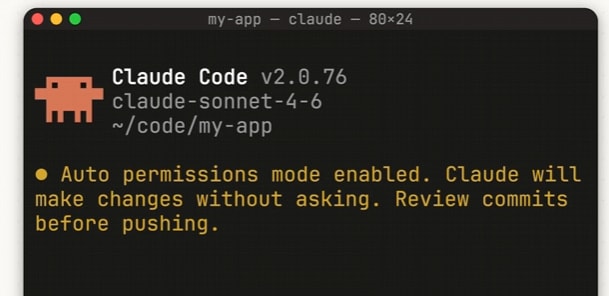
Use Claude Code Auto Mode To Reduce Permission Friction
- Enable Auto Mode to let Claude make routine permission decisions and only prompt you for genuinely risky actions.
- Auto Mode runs a classifier and triggers permission prompts when actions are repeatedly blocked, reducing click fatigue while preserving safety checks.
Don’t Give Full Computer Access To Your Primary Machine
- Avoid running Claude Cowork with full computer access on machines containing sensitive accounts or default browsers.
- Zvi warns that a compromised phone or prompt injection could let an agent access email or Chrome, so sandbox or isolate the machine first.
Agentic Work Encourages Always On Desktop Setups
- Agentic coding may increase demand for always-on desktop machines because agents work best on devices with persistent power and uptime.
- Dean W. observes desktop setups (Mac Mini style) are more useful for persistent agent tasks than laptops.