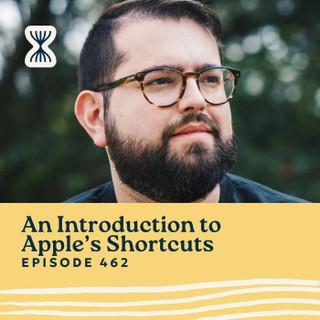
I’ve been talking a lot about automation this year, and one tool that keeps coming up is Apple’s Shortcuts app. So I brought in Stephen Robles, a YouTuber and podcaster who’s been using Shortcuts since it was called Workflows before Apple bought it.
We get into what Shortcuts actually does, and how you can use it to automate repetitive tasks, eliminate friction, and make your iPhone way more useful. Stephen also shares some incredible automation ideas, from formatting podcast show notes to controlling smart home devices.
If you’ve ever thought, I wish my phone just did this for me, there’s a good chance Shortcuts can make that happen.
For all of the links mentioned in this episode, go to https://streamlined.fm/462
Top Takeaways
- Shortcuts can automate almost anything. Whether it’s formatting text, logging data, or running workflows with a tap, it’s a game-changer.
- The Action Button takes it further. You can assign multiple shortcuts to one button press, making it even more versatile.
- Home automation can be super smart. Stephen shares how his smart shades close when he turns on the bathroom fan and how his patio fans activate when it gets hot.
Show Notes
Send Feedback: https://streamlinedfeedback.com
————
Streamlined Solopreneur is the podcast for solopreneurs who want to automate their business and take time off worry-free. Each week, Joe Casabona shares practical systems, tools, and strategies to help you reclaim your time and run your business without sacrificing your the rest of your life, or your health.
Start with the free Solopreneur Sweep — a step-by-step method for finding where your business is losing time: https://streamlined.fm/sweep
If this episode helped you, leaving a review on Apple Podcasts helps other solopreneurs find the show — it only takes a minute and means a lot.
Connect with Joe on LinkedIn: https://www.linkedin.com/in/jcasabona/